Flight Modeling
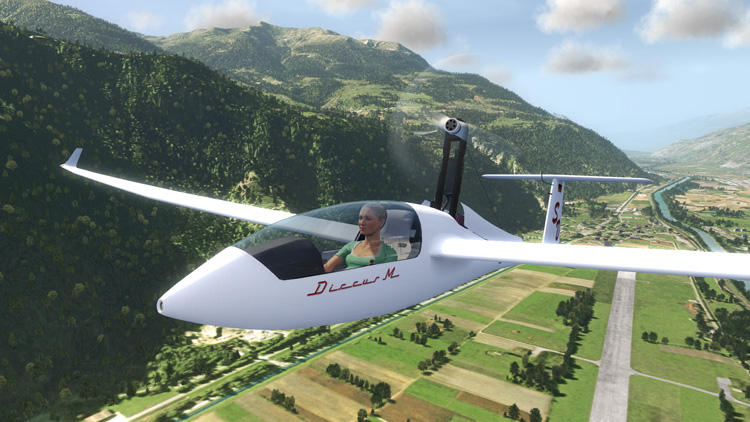
This is, to me, what makes or breaks a flight simulator. I’m happy to say that the Aerofly FS flight model performs well. The only one of the 8 planes included that I have flown in real life is the Cessna 172. I can’t really compare the rest. I have never flown a Hornet and I certainly never would fly an aircraft without an engine! The virtual Cessna performs much like I remember it did back in flight school.
You can stall, loop, roll, spin, sideslip, etc. The flight modeling feels real. Of course, no flight simulator for the home PC market models flight with 100% accuracy. Not even full size motion simulators, used for real life pilot training, models flight accurately. It’s just good enough within certain parameters.
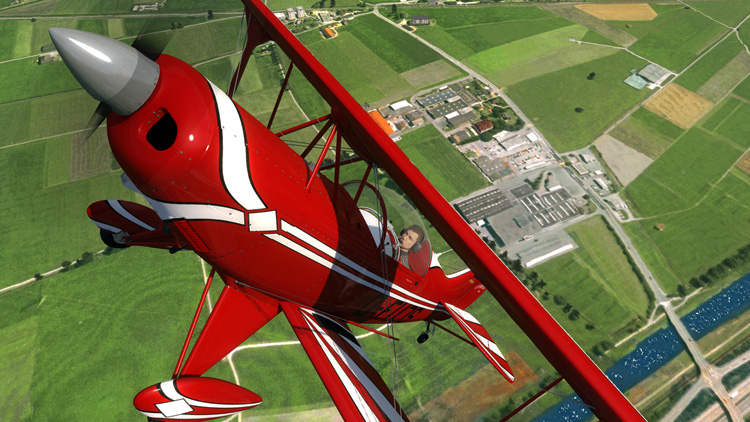
Weather effects are present in the sim. You can set clouds, visibility and wind. Visibility can be set as low as instrument flight rules (IFR) conditions. I really wish they would’ve incorporated a functional NAV radio setup. Doing instrument approaches in between mountains can be quite entertaining! Setting wind conditions affects windsocks and flags while you’re in the menu. You can actually see the flags move according to the direction and force you select, on the fly.

Comparing Aerofly FS to the mother of all civilian flight sims out there, FSX, I can attest to the flight model in Aerofly FS — it feels more true-to-life.
Ground handling, on the other hand, is a different matter. I think the aircraft are too twitchy on the ground. Tail draggers are too prone to ground looping, for instance. Differential brakes would help here. Even the Cessna will ground loop!
Controller Setup
Setting up your joystick to work with Aerofly FS is pretty straightforward. It will immediately recognize the primary controller as the aileron and elevator. Controls that are incremental can either receive input from a analogue controller or one key for decreasing, and one key for increasing. Controllers that are typically on or off can only respond to a single key. There’s only a general joystick or keyboard sensitivity setting. Here’s where I’m missing differential wheel brakes and mixture control.